Product Carousel
A product rail section: centred heading, a snapping rail with edge arrows and a view-all link, on a tinted band or the plain page.
npx shadcn@latest add https://ui.develop-better-solutions.com/r/product-carousel.jsonDependencies:
lucide-reactUses:snap-scroller
Best seller
The pieces our customers order most
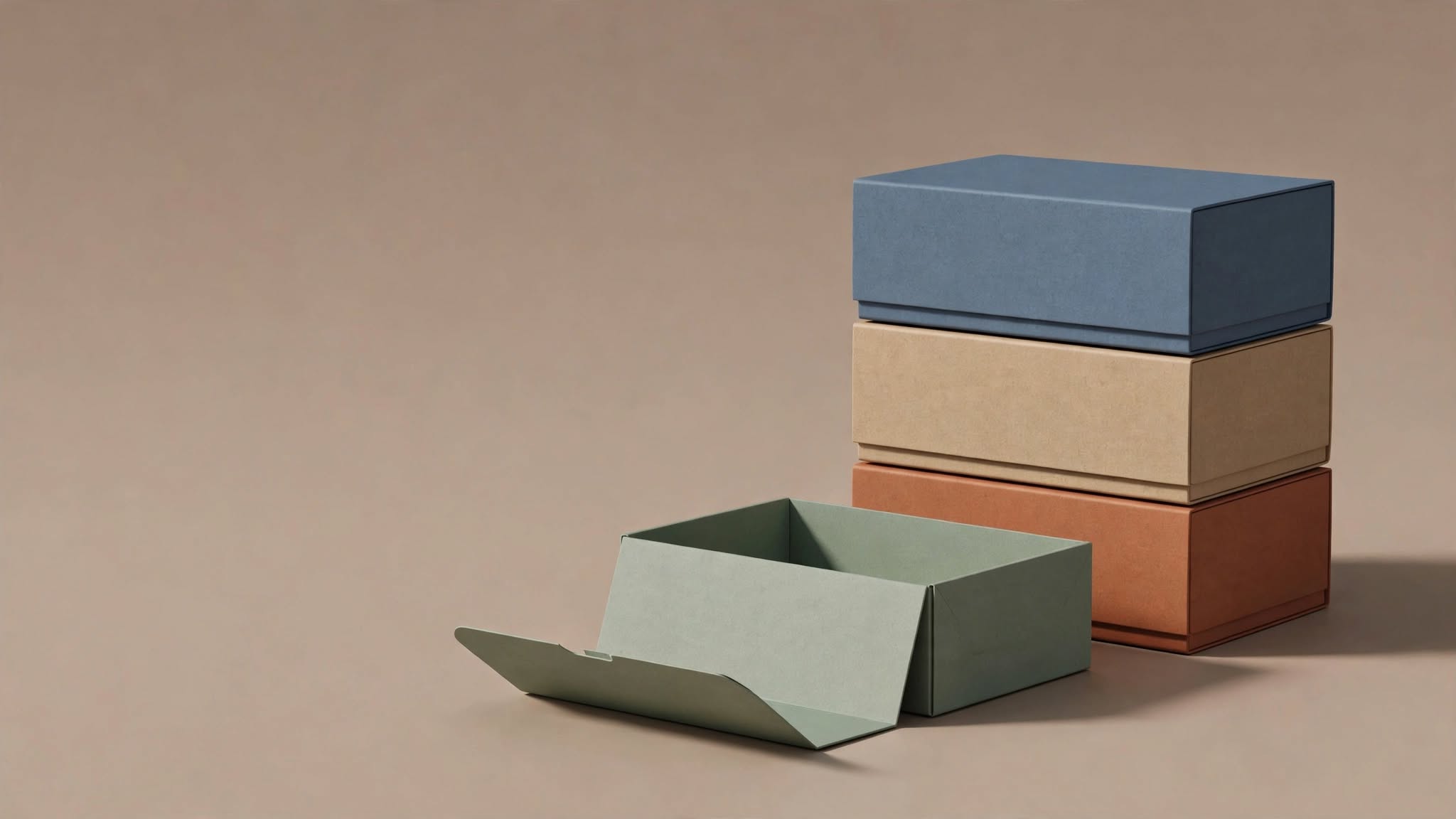
Walnut side table
1,290 MAD
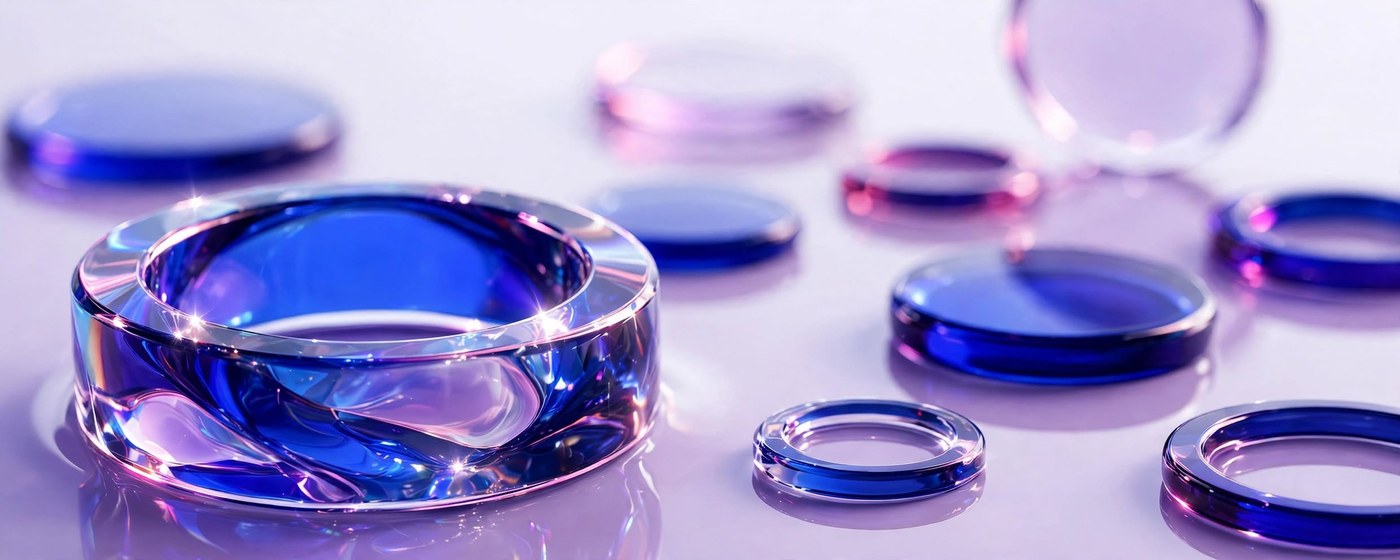
Linen throw
420 MAD
Ceramic vase
290 MAD
Oak shelf
980 MAD
Wool rug
1,850 MAD
Brass lamp
760 MAD
Usage
product-carousel-example.tsx
import { ProductCarousel } from "@dbs/ui";

const PRODUCTS = [
  ["Walnut side table", "1,290 MAD", "steps-boxes"],
  ["Linen throw", "420 MAD", "approach-glass"],
  ["Ceramic vase", "290 MAD", "approach-glass"],
  ["Oak shelf", "980 MAD", "steps-boxes"],
  ["Wool rug", "1,850 MAD", "approach-glass"],
  ["Brass lamp", "760 MAD", "approach-glass"],
];

export default function ProductCarouselExample() {
  return (
    <div className="w-full">
      <ProductCarousel
        id="best"
        title="Best seller"
        subtitle="The pieces our customers order most"
        viewAll={{ label: "See all best sellers", href: "#" }}
        items={PRODUCTS.map(([name, price, img]) => (
          <article key={name} className="text-center">
            <div className="aspect-[3/4] overflow-hidden rounded-xl bg-canvas">
              {/* eslint-disable-next-line @next/next/no-img-element */}
              <img src={`/samples/${img}.jpg`} alt={name} className="h-full w-full object-cover" />
            </div>
            <h3 className="mt-3 text-sm font-medium">{name}</h3>
            <p className="text-xs text-ink-muted">{price}</p>
          </article>
        ))}
      />
    </div>
  );
}